No Shortcuts
There's a moment every person who uses a computer eventually faces: the new machine. It's exciting for about ten minutes. Then you realize everything is gone. All your settings, your tools, your little customizations that took years to accumulate. Gone. And now you have to rebuild.
I recently set up a new computer and decided to do it right this time. No clutter. Only install what I actually use. Simple enough idea. Except I actually use a lot of things, and setting each one up properly takes real time.
One of those things is a tool called Espanso. If you've ever used Text Replacements on a Mac, or TextExpander on your phone — where you type a short abbreviation and it fills in your full address or a canned reply — Espanso is that idea grown up and taken seriously. It runs quietly in the background on your computer, watching what you type. When it sees a shortcut you've defined, it swaps it out for whatever you told it to: a sentence, a paragraph, an entire email template. It's free, open-source, works on any operating system, and everything stays on your machine — no accounts, no subscriptions, no one looking at your snippets. Over the years I've built up hundreds of these shortcuts. They're wired into my fingers now. Migrating them to a new machine, the old way, meant tracking down config files across two old computers, sorting out what was current, pushing everything to a backup, then pulling it all down and making it work again. I'd done it before. It took most of an afternoon.
This go-around, I got some help from AI. I opened a terminal window on my new computer and explained the job in plain English, no code, no technical shorthand: "Hey Claude Code, I want you to install the Espanso application on my new computer. Then go grab the configuration files off my old machine and put them on GitHub. Once that's done, come back to the new machine, copy the files from GitHub; tie it all together and make it work — set it up so Espanso runs here exactly the way it does on my old computer." Twenty minutes later, it was done — and that even includes hitting a snag halfway through that Claude had to fix for me.
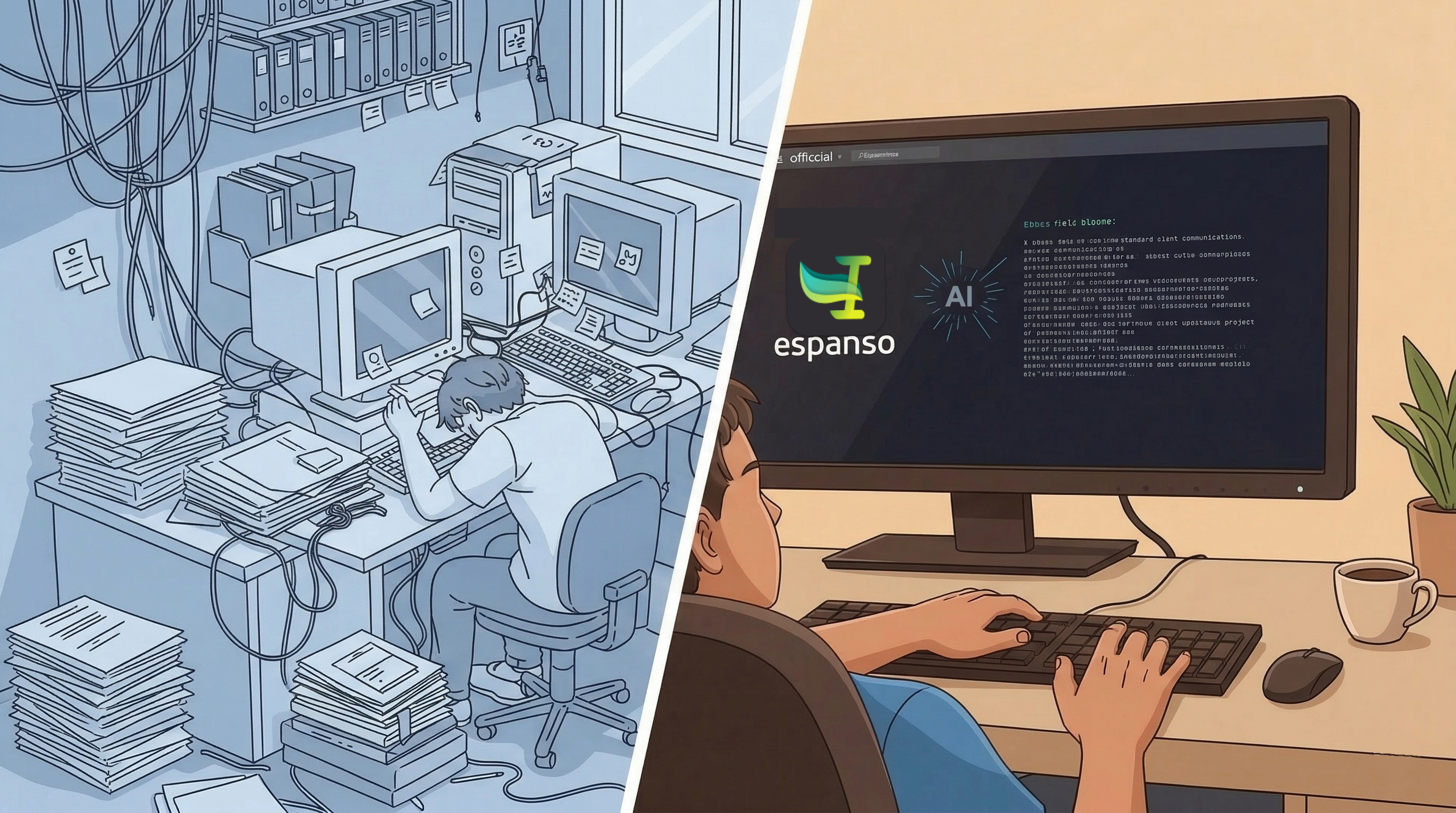
What surprised me wasn't the speed. It was the attitude. I've done this migration by hand — I know exactly where things start to slip. You get close to the finish line and your brain starts rounding corners. The broken access key halfway through would have been the moment I muttered something and started improvising. Instead it got treated like any other step: here's the problem, here's the fix, moving on. No sighing, no punting, no "good enough." That's not how it usually goes. That's the part that's actually useful.