Change Management
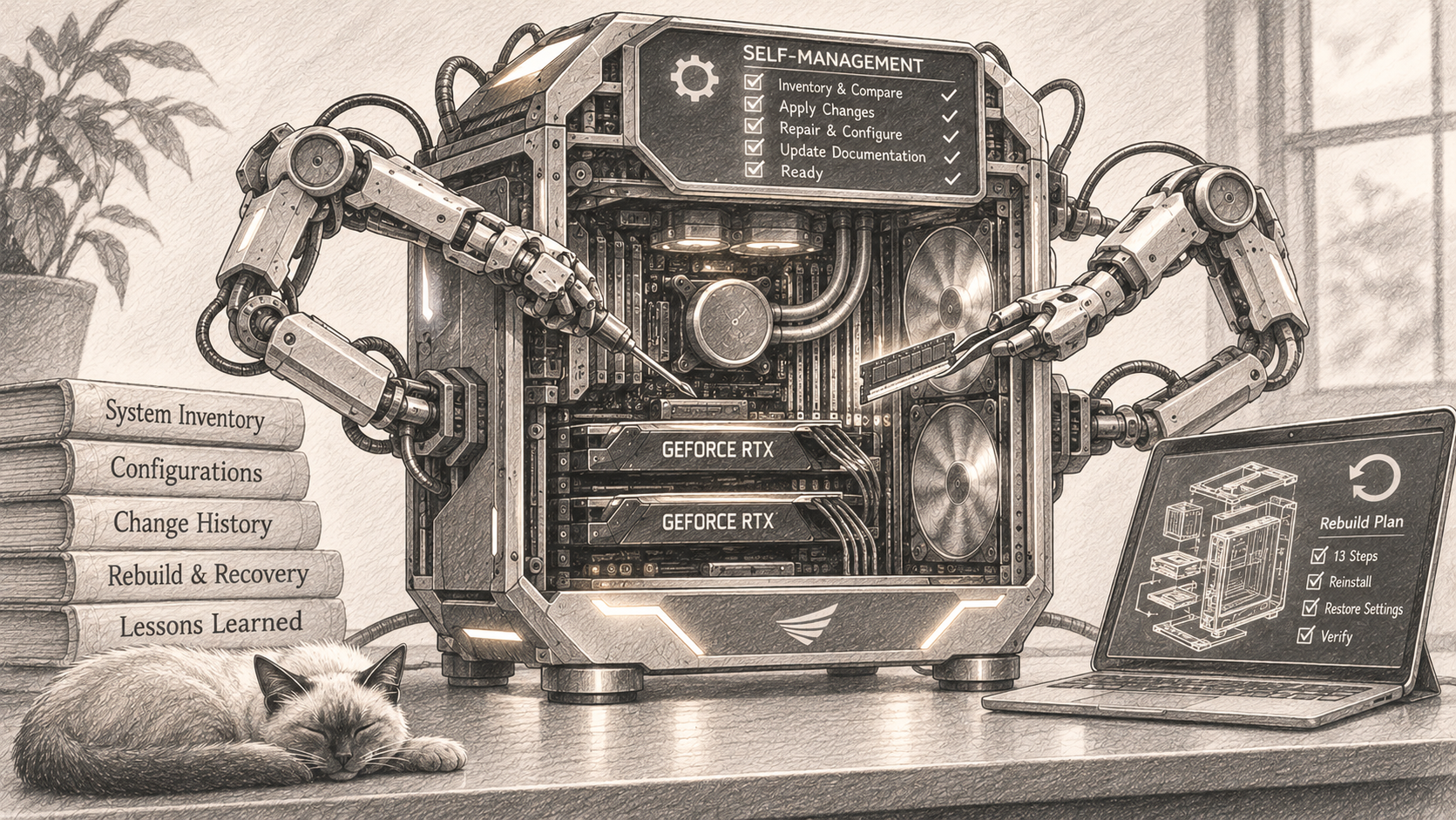
I spent the better part of yesterday working with Hermes Agent to set up my new computer, and it's finally starting to look and behave the way I want. We installed a bunch of software, changed settings, fixed things that didn't work, and made more little adjustments than I can count.
There's just one small problem. I can't remember half of what I've done.
Seriously. If I had to start over tomorrow, I'd probably spend more time trying to figure out what software I needed to install than it would take to actually install it. And knowing me, I'd make some of the same mistakes along the way.
I've been working with computers for decades, so this isn't exactly a new experience. You run into a problem, spend an hour figuring it out, finally get it working, and move on. Six months later, the same problem comes up and you haven't the slightest idea what you did to fix it.
I used to be pretty good about keeping notes on this stuff. Well, sometimes. Usually I'd write something down if it was particularly difficult, but most of the little changes never made it into my notes.
This time, I figured I'd try something different.
I asked Hermes how we could keep track of everything we'd done. Not just a list of installed applications, but the settings, the changes, the odd little fixes, and enough information to recreate the computer if I ever needed to.
Turns out he (or for the more anthropocentric folks - it) could. Although, as usual, it was a bit more involved than I expected.
We started by building a script that takes an inventory of the computer. It records the operating system, installed programs, services, settings, and a bunch of other things I would never think to write down myself. We save that information in a private GitHub repository, which keeps a history of every update.
That last part is important. I don't just have a list of what's installed today. I can go back and see what changed yesterday, last Tuesday, or whenever something started acting up.
Then we built something I hadn't originally planned on: a set of instructions for rebuilding the machine.
The idea is simple enough. Start with a fresh Ubuntu installation, run the script, and let it reinstall the software and restore the settings we've recorded. We divided the process into thirteen steps, with checks to make sure we aren't blindly overwriting things or installing the wrong versions.
Some of the details turned out to be rather amusing. One application needed a particular folder created before its updater would work. Another insisted on deleting its own startup entry every time it launched. We eventually figured both out, and now those little discoveries are part of the rebuild instructions.
Which is good, because I guarantee I wouldn't remember either of them a year from now.
We also had to decide how much information to save. At first I considered making a snapshot of the entire disk, which would have worked, but the first snapshot alone would have taken about 75 gigabytes. That's a lot of storage to preserve things I could mostly reinstall.
More importantly, I wanted to know what I'd changed, not just have a copy of the result.
So we went with text files that are easy to read and compare. We even set up an automatic job that updates the record every morning at three. When I install something new or make an important change, I can update it immediately.
Now, I should point out that this isn't a complete backup system. My personal files still need their own backup, and there are parts of the recovery process we haven't tested yet. And, honestly, I'm not terribly excited about the idea of wiping the computer just to prove the whole thing works. But now that I've put that out there, I probably will!
Regardless, I've now got a much better record of what's on this machine than I've ever had before, along with instructions for putting much of it back together.
The interesting thing is that I probably wouldn't have bothered building any of this without AI.
Not because I couldn't do it. I've certainly got enough experience to write scripts and keep system records. But doing it properly takes time, and documenting every little change is not exactly my idea of a good afternoon.
Hermes handled most of that work. I told it what I wanted, we discussed how to do it, and I made decisions as we went along. When something didn't work, we figured out why and added what we learned to the instructions.
And now, instead of keeping all that information in my head, I've got a computer that keeps track of itself. After all, isn't that supposed to be how this works?